Well, at least I do. Here's what I learned yesterday:
My mind's been blown - I've used Photoshop and GIMP to edit images over the course of many years. I've always had a tough time isolating an item from a background when the image was in a natural setting.
I love to watch "Quilting Arts" on PBS (Ready/Create) here in Tucson; I always learn something new, usually about sewing or something else fiber related.
So, what do these two things have to do with each other you may ask? Well, yesterday I got to watch Episode 1904 of "QA" on transfer techniques. But here's the best thing I learned - one can use Powerpoint, yes the presentation software, to remove a background - and it is much more easily done, at least for me, than the editing software mentioned above. WOW!
So, I proceeded to "play". Here's my first result - before on the left, after on the right.
Although easily accomplished, it's not the be-all and end-all of editing. The main problem is that PowerPoint (at least in 2010 version I run) saves a JPG or PNG at a rather small size, 96DPI. (If this makes a large enough image for your needs, then you can stop here and print or otherwise use your new creation.)
Otherwise, one way to get around this is to use
the registry editor to change the size permanently. At this point I
haven't done that. If you decide to do so, please be sure you first
back up your registry; then follow directions you can find here.
There is also a "compress image" option that allows for various sizes, but at least for this dragon fly it caused the loss of large parts of the image so I couldn't use it - your mileage may vary!
I took a simpler approach and followed Ana Buzzalino's instructions from the show with just a few tweaks that she didn't discuss. (Preview here.)
Here's what I did:
1. Set the slide size as large as possible.
2. Cleared all of the pre-formatted areas so I was starting with a blank slide.
3. After inserting the original picture, used the "handles" to enlarge it to as large a size as possible to fill the slide.
4. Before I saved my slide as a png (same would work for JPG) I first placed a thick black matte picture style around it.
5. I did then use GIMP to remove this black "background" which left the dragon fly with a nice black edge around it (tried it with white first, but didn't like it as much.) This was a simple select (I used the fuzzy select tool) and clear (delete) procedure.
6. I also ultimately "resized" my result to make it larger, mainly so it would line up in the image above. Normally I would not do this.
And here is an example of adding this lovely dragon fly to an image that previously did not have one! Doesn't it look "right at home"?
It's 2012, the Earth is still here, and it's not too cold in New England (but will be tomorrow if the meteorologists are correct.)
In an effort to make myself take/make more photographs, I've decided to try another year long project. However, a picture everyday is just too much for me to consider right now; so I am going to try to create one image each week.
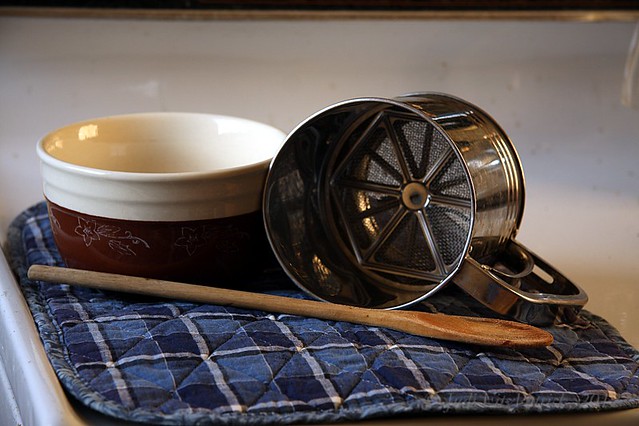
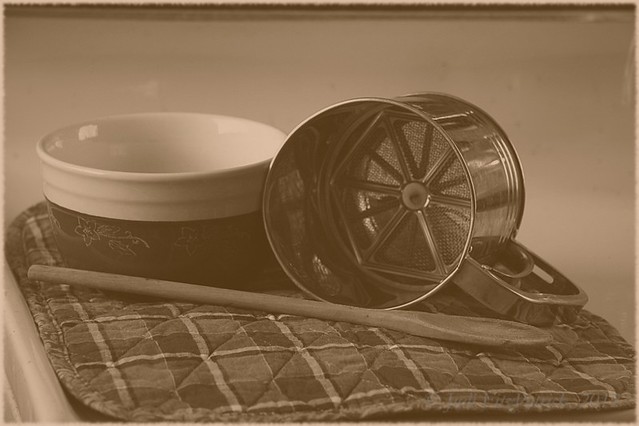
While editing today's image, I was inspired to try it in two versions - one in full color, the other as an old-style photo with a sepia tone.
I did it! I completed a photo a day for the 365 days of 2010. Although I'm happy to be free of the pressure that "I must create a photo today", I do feel a bit of sadness as the project has ended.
I won't be doing a 365 in 2011, but don't rule it out forever (never say never.) Instead, I am going to go back and start processing/posting images from the days when I used film and some other digital images that have previously been ignored. I also plan to spend some time learning some photography related things which I missed doing during this past year.
If you care to view a slide show of my 365 images, you will find it below.
Peace, love, happiness, and good health to all in 2011, and beyond! Judi